Online Shopping on Public WiFi: Separating Real Risk from Security Theater

The security advice you've heard about public WiFi probably sounds like this: never shop online at Starbucks, never check your bank account at the airport, never enter a password on any network you don't control. The threat model is clear and terrifying. The WiFi network operator can see everything. Other users on the same network can intercept your traffic. Attackers set up fake hotspots to harvest credentials. Your credit card number, your passwords, your entire digital life exposed because you wanted to buy shoes while drinking a latte.
That advice was mostly correct in 2012. It's mostly wrong in 2026.
The underlying threat model hasn't disappeared, but the ecosystem changed. HTTPS became universal. Browsers started flagging unencrypted sites. Payment processors required encryption. The attack surface that made public WiFi genuinely dangerous shrank dramatically. What remains is a specific set of risks that security advice often conflates with the older, broader threat.
Here's what actually matters when you shop online on public WiFi in 2026, what's changed since the warnings were written, and what you still need to watch for.
The Threat Model That Shaped the Warnings
Public WiFi operates as a shared broadcast medium. When you connect to a coffee shop network, your device sends data through the air to a router, which forwards it to the internet. Other devices on the same network can, in theory, capture that wireless traffic. The WiFi protocol includes encryption (WPA2, WPA3), but that encryption protects traffic between your device and the router, not between your device and the website you're visiting.
In the early 2010s, most websites transmitted data over HTTP, which sends everything in cleartext. An attacker on the same network could use packet-sniffing tools to capture usernames, passwords, session cookies, and credit card numbers as they traveled through the air. The attack required minimal skill. Tools like Firesheep automated the process. You connected to Starbucks WiFi, launched Firesheep, and watched a list of nearby users' Facebook and Twitter sessions appear. Click one, and you were logged in as them.
The defense was HTTPS, which encrypts traffic between your browser and the website's server. But in 2012, HTTPS was optional, inconsistent, and often misconfigured. Sites used HTTPS for login pages but dropped back to HTTP for everything else. Session cookies transmitted in cleartext. Payment pages sometimes used HTTPS, sometimes didn't. The ecosystem was a mess.
Security professionals responded with blanket advice: treat all public WiFi as hostile. Use a VPN to encrypt your traffic before it reaches the network. Never enter sensitive information. The advice was correct for the threat environment that existed at the time.
Then the environment changed.
What Changed: HTTPS Became Universal
HTTPS adoption accelerated dramatically between 2014 and 2020. Google announced that HTTPS would become a ranking signal. The EFF launched HTTPS Everywhere, a browser extension that forced encrypted connections whenever available. Let's Encrypt launched in 2015, offering free SSL certificates and eliminating the cost barrier that kept smaller sites on HTTP. Browsers started displaying "Not Secure" warnings on HTTP pages. By 2018, Chrome marked all HTTP sites as insecure. Firefox followed.
The shift wasn't just about individual sites upgrading. Payment processors, advertising networks, and content delivery networks required HTTPS. If you wanted to accept credit cards online, your checkout page had to use HTTPS. If you wanted to serve ads through Google, your site had to use HTTPS. The infrastructure that powers the commercial web moved to encryption by default.
By 2026, HTTPS is the norm, not the exception. Researchers have found that around 95% of web traffic is encrypted. HTTP sites trigger browser warnings that most users won't click through. The cleartext traffic that made public WiFi dangerous in 2012 has largely disappeared.
When you shop online on a site that uses HTTPS, your traffic is encrypted before it leaves your device. The WiFi network operator sees that you're connected to Amazon, but they can't see what you're searching for, what you're adding to your cart, or what payment information you're entering. Other users on the network can't intercept your session. The attack that Firesheep automated no longer works on HTTPS sites.
This doesn't mean public WiFi is perfectly safe. It means the specific threat that drove the blanket warnings has been addressed at the protocol level. What remains is a different, narrower set of risks.
What Hasn't Changed: The Risks That Remain
HTTPS protects the content of your traffic, but it doesn't hide which sites you're visiting. The WiFi network operator can see the domain names you connect to. If you're shopping on Amazon, they know you're on Amazon. If you're checking your bank account, they know which bank. They can't see what you're doing on those sites, but they can see that you're there.
This matters less for shopping than for other activities. The fact that you're browsing REI doesn't reveal much. The fact that you're visiting a specific medical provider or a specific legal service might. The metadata, who you're connecting to, when, and for how long, creates a different privacy risk than the content interception risk that HTTPS solved.
The second risk is fake hotspots. An attacker can set up a WiFi network with a name like "Starbucks Free WiFi" and wait for people to connect. When you join the fake network, the attacker controls your traffic. They can't break HTTPS encryption, but they can serve you fake login pages, redirect you to malicious sites, or attempt man-in-the-middle attacks against misconfigured services.
Browsers have defenses against this. If a site's SSL certificate doesn't match the domain, your browser will display a warning. If an attacker tries to intercept an HTTPS connection, the cryptographic handshake fails, and the connection drops. But these defenses assume you're paying attention to warnings and not clicking through them reflexively.
The third risk is unencrypted sites. HTTPS is near-universal, but not perfectly universal. Some older sites, some government services, and some small businesses still run on HTTP. If you enter a password or payment information on an HTTP site, you're transmitting it in cleartext, and anyone on the network can intercept it. Browsers warn you, but the warning appears in the address bar, and some people don't notice.
The fourth risk is compromised devices. Public WiFi doesn't make your device less secure, but it exposes you to more potential attackers. If your laptop is running outdated software with unpatched vulnerabilities, an attacker on the same network might exploit them. This isn't a WiFi-specific risk, the same vulnerabilities exist on your home network, but the threat model changes when you're surrounded by strangers.
The Cultural Reference That Fits: Ocean's Eleven
In Ocean's Eleven, Danny Ocean's crew doesn't break into the Bellagio vault by smashing through walls. They exploit the systems already in place. They use the casino's own surveillance network, its elevator shafts, its power grid. The security is strong, but it's designed to stop one kind of threat, and they attack from a different angle.
Public WiFi security works the same way. HTTPS is strong encryption, designed to stop network-level eavesdropping. It does that job well. But attackers don't need to break HTTPS if they can trick you into connecting to a fake network, or if they can exploit an unencrypted site, or if they can compromise your device through a different vector. The vault is secure, but the systems around it still have gaps.
The question isn't whether HTTPS makes public WiFi safe. It's whether the remaining risks are significant enough to change your behavior, and whether the defenses you're considering actually address those risks.
What You Actually Need to Do
Start by checking the padlock icon in your browser's address bar. If you see it, and if the URL starts with https://, your connection to the site is encrypted. The WiFi network can't see what you're typing. This applies to shopping sites, banking sites, email, and anything else that uses HTTPS.
If the site doesn't use HTTPS, don't enter sensitive information. Period. Browsers display "Not Secure" in the address bar when you visit an HTTP site. If you see that warning on a login page or a checkout page, close the tab. The site is transmitting your data in cleartext, and anyone on the network can intercept it.
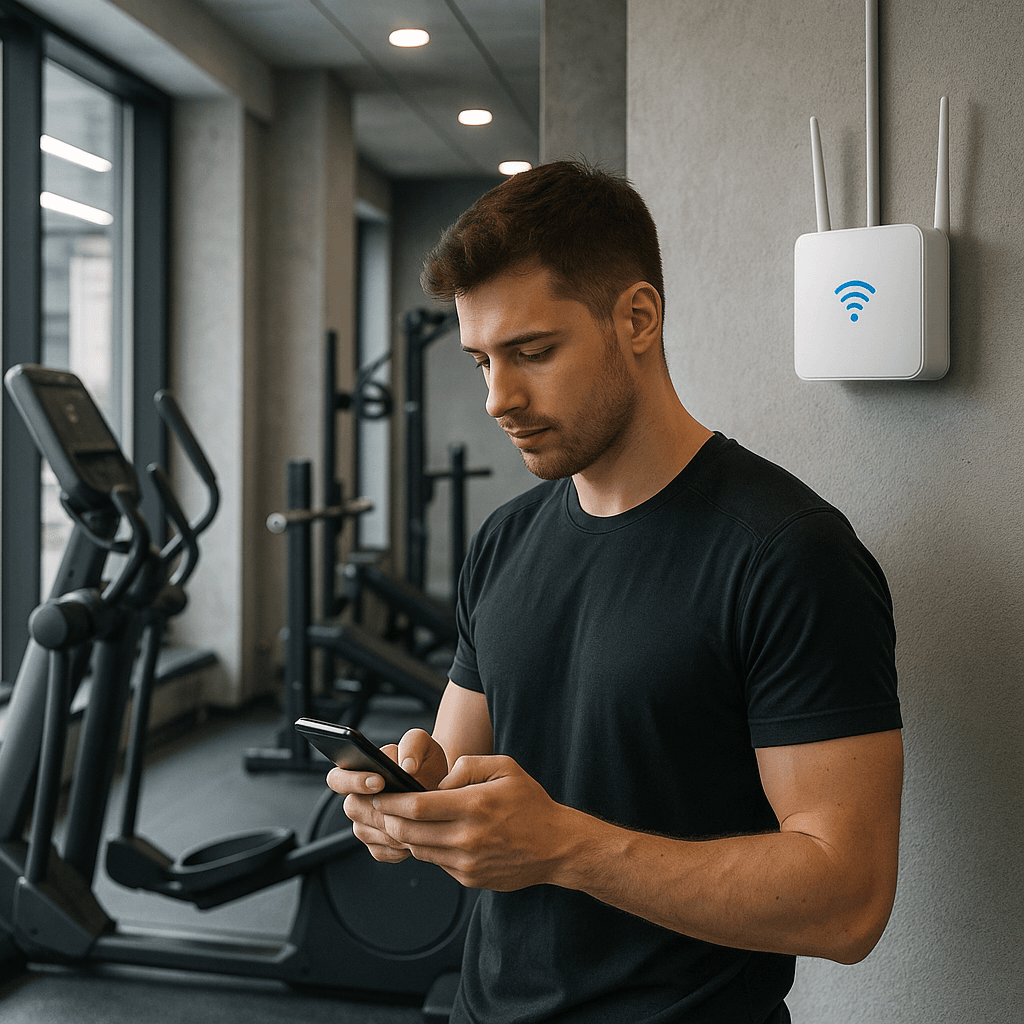
Verify the network name before you connect. Coffee shops, airports, and hotels usually display the official WiFi network name somewhere visible. If you see two networks with similar names, "Starbucks WiFi" and "Starbucks Free WiFi", ask staff which one is real. Attackers rely on people connecting to whichever network has the strongest signal or the most obvious name.
Pay attention to browser warnings. If your browser displays a certificate error, a security warning, or a message that the connection isn't private, don't click through it. Close the tab and try again. These warnings exist because something is wrong with the connection, and ignoring them is how man-in-the-middle attacks succeed.
Keep your devices updated. Security updates patch vulnerabilities that attackers can exploit over the network. If your laptop is running an operating system from 2019, or if your phone hasn't installed updates in six months, you're exposed to known exploits that have been fixed in newer versions. Public WiFi doesn't create these vulnerabilities, but it increases the likelihood that someone will try to exploit them.
Consider a VPN if you're concerned about metadata. A VPN encrypts your traffic before it reaches the WiFi network, which hides which sites you're visiting from the network operator. It doesn't make HTTPS sites any more secure, they're already encrypted, but it adds a layer of privacy for your browsing activity. NordVPN routes your traffic through an encrypted tunnel, so the coffee shop network only sees that you're connected to NordVPN's servers, not which sites you're visiting through the VPN.
VPNs don't protect you from fake hotspots or unencrypted sites. If you connect to a malicious network, the attacker can still serve you fake login pages or redirect your traffic. If you visit an HTTP site, the VPN encrypts the connection between your device and the VPN server, but the connection between the VPN server and the website is still unencrypted. A VPN is a privacy tool, not a security silver bullet.
What Doesn't Actually Help
Turning off WiFi when you're not using it doesn't reduce risk. The risk exists when you're connected and transmitting data, not when the radio is idle. If you're worried about your device automatically connecting to a fake hotspot, disable auto-join for public networks in your settings, but there's no security benefit to toggling WiFi on and off manually.
Using your phone's hotspot instead of public WiFi shifts the trust model but doesn't eliminate risk. Your cellular connection is encrypted between your phone and the carrier's tower, but once your traffic reaches the carrier's network, it follows the same path as any other internet traffic. HTTPS still matters. Certificate warnings still matter. The advantage of a hotspot is that you control the network, so you're not exposed to other users or fake access points. The disadvantage is that you're burning through your data plan.
Avoiding public WiFi entirely is overkill. The threat model that justified blanket avoidance in 2012 doesn't match the reality of 2026. If you're shopping on an HTTPS site, entering your credit card at Starbucks is no riskier than entering it at home. If you're visiting an HTTP site, you shouldn't enter sensitive information anywhere, public or private. The network matters less than the site's encryption.
The Specific Case of Shopping
Online shopping in 2026 runs almost exclusively on HTTPS. Amazon, Target, REI, Etsy, eBay, and every major retailer encrypt checkout pages. Payment processors require it. If you're entering a credit card on a site that doesn't use HTTPS, the site is either ancient, negligent, or fraudulent, and you shouldn't be shopping there regardless of which network you're on.
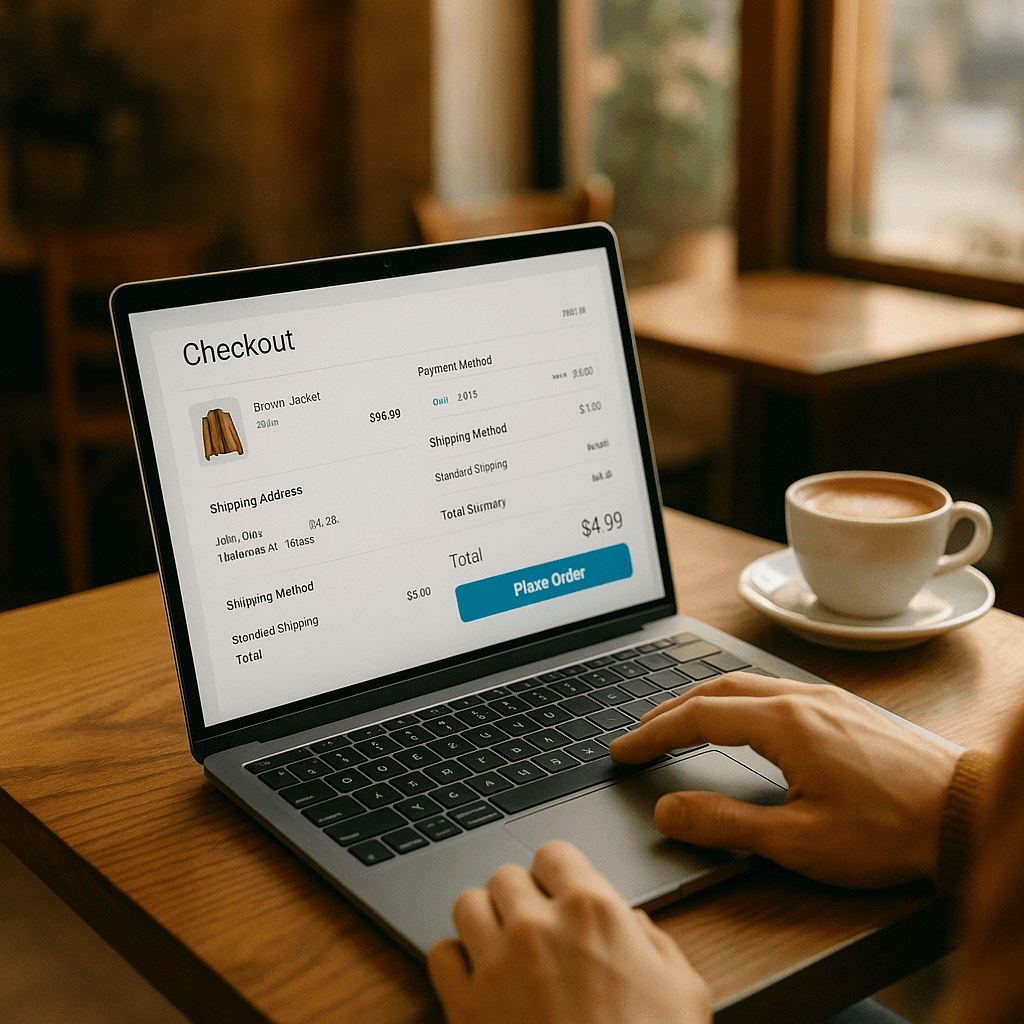
When you enter payment information on an HTTPS site, the data is encrypted before it leaves your browser. The encryption happens on your device, not on the network. The WiFi router can't see your credit card number. Other users on the network can't intercept it. The network operator can see that you're connected to the retailer's domain, but they can't see what you're buying or how you're paying.
Credit card fraud liability protects you even if something goes wrong. Under federal law, your liability for unauthorized credit card charges is capped at $50, and most issuers waive that entirely. If someone intercepts your card number and uses it fraudulently, you dispute the charges, the issuer investigates, and you're not responsible for the fraudulent transactions. Debit cards have weaker protections, but credit cards are designed to absorb this kind of risk.
The practical risk of shopping on public WiFi in 2026 is roughly equivalent to the risk of shopping on your home network. Both depend on the site using HTTPS. Both depend on your device being secure. Both depend on you paying attention to browser warnings. The network itself is not the weak link.
When a VPN Actually Matters
A VPN makes sense if you're browsing sites where the metadata matters more than the content. If you're researching medical conditions, visiting support groups, or accessing services where the fact that you're visiting reveals something you'd rather keep private, a VPN hides that metadata from the network operator. The coffee shop WiFi sees that you're connected to NordVPN, not which sites you're visiting through the VPN.
A VPN also makes sense if you're traveling internationally and you want to access services that are region-locked or censored. But that's a different use case than shopping, and it doesn't change the security of your checkout process.
A VPN doesn't make sense if your only concern is credit card safety on HTTPS sites. The encryption is already there. The VPN adds a second layer of encryption between your device and the VPN server, but the site's HTTPS encryption is what protects your payment information, and that protection exists whether you're using a VPN or not.
If you're using a VPN, choose one with a clear privacy policy and a track record of independent audits. Free VPNs often monetize your data by selling browsing logs or injecting ads. Paid VPNs like NordVPN fund operations through subscriptions, which aligns their incentives with user privacy. But even a trustworthy VPN doesn't replace the need to verify HTTPS connections and pay attention to certificate warnings.
The Bigger Picture: Risk Calibration
Security advice tends toward absolutes because absolutes are easier to communicate. "Never use public WiFi" is simpler than "use public WiFi for HTTPS sites, verify the network name, watch for certificate warnings, and consider a VPN if metadata privacy matters to you." But absolutes often don't match reality, and when they don't, people ignore them entirely.
The risk of shopping on public WiFi in 2026 is low, specific, and manageable. It's not zero. Fake hotspots exist. Unencrypted sites exist. Compromised devices exist. But the broad, indiscriminate threat that justified blanket warnings a decade ago has been addressed by the widespread adoption of HTTPS.
The advice you follow should match the threat environment you're actually in, not the threat environment that existed when the advice was written. HTTPS protects your data in transit. Browser warnings alert you to certificate problems. Payment processors require encryption. These defenses work, and they work on public WiFi just as well as they work at home.
What matters is that you understand what's protected and what isn't. Your payment information is encrypted on HTTPS sites. Your browsing metadata is visible to the network operator. Fake networks can intercept unencrypted traffic. Certificate warnings mean something is wrong. These are the specifics that determine risk, and they're more useful than a blanket prohibition that doesn't reflect how the web works in 2026.
You can shop online at Starbucks. Check the padlock. Verify the network name. Pay attention to warnings. The rest is security theater.