Bitwarden Self-Hosted vs Cloud: Which Password Manager Setup Actually Fits Your Life?
The self-hosted versus cloud question always surfaces within the first five minutes of a password manager conversation. Someone will declare that self-hosting is obviously more secure because "we control the data," and someone else will point out that the last time IT tried to self-host anything, the server lived under Dave's desk and went offline every time someone tripped over the power cable.
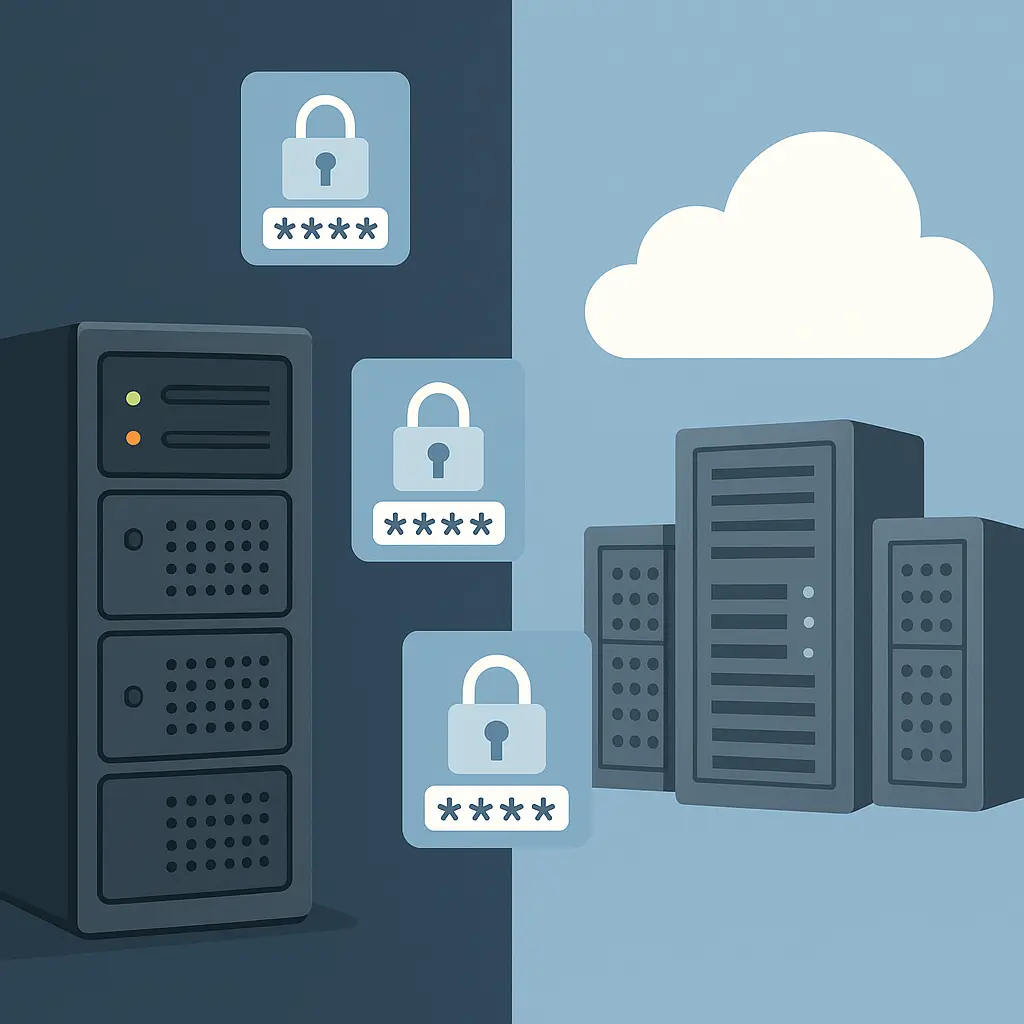
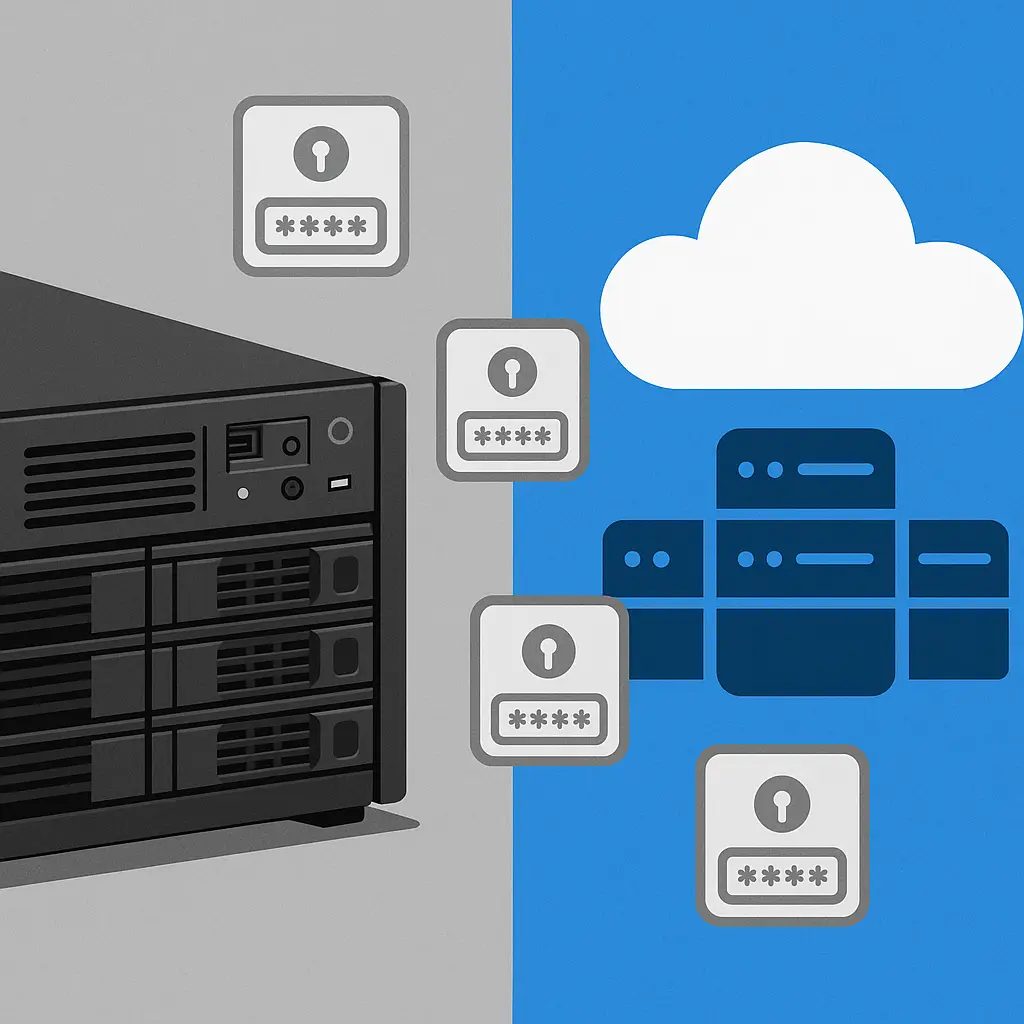
Both camps have legitimate points. The choice between self-hosted Bitwarden (running on infrastructure you provision and maintain) and cloud Bitwarden (operating on infrastructure managed entirely by the vendor) is not about one being universally better. It's about which set of tradeoffs you can actually live with.
This comparison walks through the practical differences between Bitwarden self-hosted and cloud deployments across six dimensions that matter in real use: control and data sovereignty, operational responsibility, security architecture, availability and reliability, cost structure, and update management. I'll tell you where each model wins, where each creates problems, and how to figure out which problems you'd rather have.
Control and Data Sovereignty: Who Holds the Keys to the Castle?
The control question is where most self-hosting advocates start, and it's a fair place to begin. With self-hosted Bitwarden, you determine exactly where servers are located, how they're configured, and what security controls are applied at the infrastructure level. If your organization operates under regulations that mandate specific data residency requirements or prohibit storing certain types of information on third-party infrastructure, self-hosting gives you the architecture to comply.
With self-hosting, true data sovereignty is a reality, and if your industry, service, or product has strict data compliance requirements, self-hosting checks a big compliance box. You can place your Bitwarden installation behind your own proxies and firewalls, integrate it into your existing security monitoring, and apply whatever hardening standards your security team demands.
The cloud model flips this. Cloud-based password manager solutions shift the burden of infrastructure management to the vendor, allowing a team to focus on policy enforcement and user adoption. You don't choose the data center. You don't configure the firewall rules. Bitwarden cloud uses Microsoft Azure infrastructure, and you'll likely never have any availability issues relating to connectivity.
For some organizations, that lack of control is a dealbreaker. For others, it's a relief. I've worked with companies where the security team wanted to audit every aspect of the infrastructure, and I've worked with companies where the IT director said, "I have three people on my team and none of them want to be on call for a password manager."
The control question also intersects with the customization question. Self-hosting allows you to adjust security settings to meet your needs and tailor every aspect of your organization's security, from self-host environment variables to in-product policies. Cloud deployments give you the policies Bitwarden offers, which are extensive but not infinitely flexible.
If you need to integrate Bitwarden into an air-gapped environment, route all traffic through specific network segments, or apply organization-specific encryption standards beyond what Bitwarden already implements, self-hosting is your only option. If you're comfortable with Bitwarden's existing security model and don't need infrastructure-level customization, cloud removes a layer of complexity.
Operational Responsibility: Who Fixes It When It Breaks?
This is where the self-hosting conversation gets real. Running a self-hosted password manager environment requires dedicated resources for server administration, monitoring, backup management, and troubleshooting operational issues. You are responsible for the entire stack.
In a self-hosted solution, the customer is responsible for deployment of the container, hosting in a server, load balancing, SSL certs, routing and firewall, and the customer will transition from the duties of managing end-users to the duties of managing an entire software platform; when things go wrong, the admin has sole and full responsibility.
Let me translate that into a scenario I've seen play out more than once. Your self-hosted Bitwarden instance stops responding at 3 p.m. on a Friday. Your team can't access passwords. Work stops. You now need someone who can diagnose whether the problem is the Docker containers, the database, the network configuration, the SSL certificate that expired, or the server itself. If your team doesn't have that expertise in-house, you're troubleshooting via forum posts while people stand around unable to log into anything.
With a self-hosted solution, all on-prem software must be backed up, patched, taken down, and restarted on a continuous basis; a vault solution that is rapidly changing requires many moving components and constant product updates across the various platforms, and the rapid pace of updates will require frequent software patches for any on-prem product; there is always the risk that a bad patch or a missed patch could cause a serious issue.
Cloud hosting transfers that operational burden. Bitwarden's software, including its browser extension, is always up-to-date and patched with the latest security updates, and no customer intervention is required. When Bitwarden pushes an update, it happens transparently. When something breaks, it's Bitwarden's problem to fix.
The backup question deserves its own paragraph. With self-hosting, databases, servers, configuration and containers must be backed up, and recovery must be tested and verified on a continuous basis; if daily backups are performed from an on-premise instance of a database, this runs the risk of losing critical and confidential passwords in the 24-hour period. Bitwarden's cloud database infrastructure is multi-region and multi-zone, and backups of data can be restored to any point in time up to the second within 30 days.
I've seen self-hosted password managers fail because the backup process was set up once, never tested, and when the server died, the backup turned out to be corrupted. The person who set it up had left the company six months earlier. Nobody else knew how the system worked. That's an operational failure, not a technology failure, but it's a failure that cloud hosting prevents by design.
If you have a team with Docker experience, familiarity with database administration, and the bandwidth to handle maintenance windows and troubleshooting, self-hosting is operationally viable. If you don't, you're building a single point of failure that depends on one person's knowledge and availability.
Security Architecture: Professionally Managed vs. Self-Managed Hardening
The security conversation around self-hosting often starts with the assumption that controlling your own infrastructure automatically makes you more secure. That assumption is wrong. Security depends on implementation, not location.
Cloud password manager deployments benefit from professionally managed infrastructure security maintained by dedicated teams who specialize in hardening hosting environments, including network segmentation, intrusion detection systems, DDoS protection, physical security controls, and continuous security monitoring.
Self-hosted password manager environments require an organization to implement and maintain these same controls using internal resources and expertise, and the security outcome depends entirely on a team's capabilities and the priority they can dedicate to infrastructure hardening relative to other responsibilities.
Let me put that in concrete terms. Bitwarden's cloud environment includes professional DDoS mitigation, intrusion detection, physical security at data centers, and a security team whose full-time job is hardening that infrastructure. Your self-hosted environment includes whatever you have the time and expertise to implement. If your IT team is three people who also handle help desk tickets, printer issues, and software licensing, how much time are they realistically dedicating to hardening the Bitwarden server?
The encryption model is identical in both cases. Bitwarden uses zero-knowledge architecture whether you're on cloud or self-hosted. Your master password never leaves your device. Your vault is encrypted client-side. Bitwarden uses AES-CBC 256-bit encryption and supports PBKDF2 SHA-256 and Argon2id for key derivation; your master password never leaves your device unencrypted, and self-hosting adds security by eliminating third-party cloud providers from your threat model.
That last point is worth unpacking. Self-hosting removes Bitwarden's cloud infrastructure from your threat model, but it adds your own infrastructure to that model. A self-hosted password manager is only as secure as your server and network are, which is far less secure than a hosted password manager's setup. If your server is running outdated software, configured with weak firewall rules, or accessible via poorly secured remote access, you've traded one set of risks for another.
The honeypot argument cuts both ways. Cloud providers are massive targets, and hackers spend months probing them because the payoff is millions of accounts; your personal server is a needle in a haystack. That's true. But it's also true that to allow end-users to access the vault on their remote systems or mobile devices, the hosted application must expose inbound network access to the target, which means the service will be publicly accessible, allowing bots and bad actors to attack it.
If you're exposing your self-hosted Bitwarden to the internet (which you need to do for remote access), you're not invisible. You're just a smaller target. Whether that makes you safer depends on how well you've secured that target.
Security professionals I know who self-host Bitwarden do so behind VPNs like WireGuard or Tailscale, with strict firewall rules, fail2ban configured, and monitoring in place. They understand the threat model and have the skills to mitigate it. Security professionals I know who use Bitwarden cloud do so because they've evaluated Bitwarden's security practices, reviewed their audit reports, and decided that Bitwarden's security team is better at this than they are.
Both positions are defensible. The indefensible position is self-hosting without the expertise to secure it properly, which OWASP's authentication guidelines make clear requires comprehensive security controls.
Availability and Reliability: Uptime Is Your Problem Now
Here's the scenario that makes me nervous about self-hosting password managers. You're at an airport. Your flight is delayed. You need to log into your work email to let people know you'll miss the meeting. You open your password manager. It can't connect to your self-hosted server because your home internet went down, or the Docker container crashed, or the server rebooted for updates and didn't come back up cleanly.
A self-hosted manager sets you up with a non-zero chance of standing at a check-in desk, completely locked out of your passwords because your ultra-secure, unexposed server back home is unreachable from the Hilton lobby. Hotel WiFi and captive portals often block VPN traffic, which means if your self-hosted Bitwarden is only accessible via VPN, you're stuck.
With self-hosting, service availability depends entirely on infrastructure reliability, disaster recovery capabilities, and incident response processes. The true Achilles heel of self-hosting services is the fact that any downtime is now your problem. If your ISP's link drops for some reason, you're all out of luck, whereas a cloud-based Bitwarden instance will remain online even if you have outages at home.
The counterargument is that Bitwarden clients cache your vault locally. If you are self-hosting Bitwarden or Vaultwarden, the clients create a local encrypted copy of your vault, so even if your server goes down, you can still access your passwords. That's true for read access. You can view existing passwords. But you can't add new passwords, update existing ones, or sync changes across devices until the server comes back.
For some users, that's fine. For others, it's a dealbreaker. If you travel frequently, work from multiple locations, or need reliable access from anywhere, cloud hosting's always-on availability is a significant advantage.
The bus factor problem is related. If you host Bitwarden on a server in your office closet, and the one guy who knows the root password gets hit by a bus or just quits, your company is dead and you have lost access to everything. Cloud hosting eliminates that single point of failure.
Cost Structure: Subscription Fees vs. Infrastructure Investment
The cost comparison is not as straightforward as it looks. Cloud Bitwarden has clear pricing. Bitwarden's official cloud starts at $0 for the free tier or $10 per year for Premium. For families or teams, the costs scale predictably.
Self-hosting appears free, but you're paying in infrastructure and time. To self-host Bitwarden on a Windows server, you need at minimum an x64 1.4GHz CPU (x64 2GHz dual-core recommended) and 6GB of RAM minimum (8GB or more recommended for production use). You need a server or VPS to run it on. You need a domain name. You need SSL certificates. You need backup storage.
If you're running Bitwarden on a server that's already handling other services, the marginal cost is low. If you're spinning up a dedicated VPS just for Bitwarden, the cheapest self-managed VPS option is around $4 to $5 per month. That's roughly $50 to $60 per year, which is more than Bitwarden Premium's $10 annual fee for an individual.
The real cost is time. How many hours will you spend on initial setup, ongoing maintenance, troubleshooting, and updates? If you value your time at anything above minimum wage, the math shifts quickly. Individual Bitwarden cloud accounts are $3 per month and family accounts (which include up to five family members with their own individual vaults) are just $4.50 per month when paid annually; that cost is so inconsequential for the service provided that it's a no-brainer, and less than $1 per month per family member for personal and shared vaults is worth it.
For organizations with existing IT infrastructure and staff, self-hosting can make financial sense, particularly if you're already paying for servers and the incremental cost of adding Bitwarden is minimal. For individuals or small teams without dedicated IT resources, cloud hosting is almost always cheaper when you account for the value of your time.
One nuance: if you spin up a standard Bitwarden self-hosted instance, you still need a license file to unlock premium features like YubiKey 2FA or emergency access. Self-hosting doesn't automatically give you premium features for free. Vaultwarden (an unofficial lightweight implementation) does include premium features without requiring a license, which shifts the cost equation for some users.
Update Management: Automatic vs. Manual Patching
Security updates are where the cloud model shows a clear operational advantage. Cloud password managers eliminate delays between security patch releases and deployment to production; when vulnerabilities are discovered or security improvements are developed, updates are applied immediately across the entire service without requiring internal testing, approval processes, or scheduled maintenance.
With self-hosting, you're responsible for applying updates. When you rely on a cloud service like 1Password, updates happen invisibly in the background; in a self-hosted setting, you're constantly running the gamble of pulling the latest container image, and anxiety hangs heavy in the air every time you run docker compose pull and docker compose up, because there's a risk of altering the required environment variables for your password manager or changing the database structure in a way that breaks the current version.
I've watched administrators delay critical security updates for weeks because they were worried about breaking their self-hosted instance during a busy period. I've also watched administrators apply updates without testing and take down their password manager for an entire afternoon while they rolled back to a previous version.
The update process for self-hosted Bitwarden is documented and generally straightforward, but it requires manual intervention. You need to monitor for new releases, schedule maintenance windows, back up your data before updating, and verify that the update didn't break anything. Cloud hosting removes all of that from your plate.
For organizations with change management processes that require testing and approval before deploying updates, self-hosting gives you that control. For everyone else, automatic updates are a feature, not a limitation.
The Decision Framework: Which Problems Do You Want?
After comparing these six dimensions, the choice comes down to a simple question: which set of problems would you rather manage?
Self-hosting gives you control, customization, and data sovereignty. It requires technical expertise, operational discipline, and ongoing time investment. It shifts responsibility for security, availability, and updates to you. If you have the skills and resources to manage that responsibility, self-hosting can deliver a password manager that fits cleanly into your existing infrastructure and meets compliance requirements that cloud hosting cannot.
Cloud hosting gives you professional security management, automatic updates, and high availability. It removes operational burden and eliminates single points of failure related to your own infrastructure. It costs money (though not much), and it requires trusting Bitwarden's security architecture. If you want a password manager that just works, cloud hosting delivers that with minimal ongoing effort.
The decision factors that should push you toward self-hosting:
- You have specific regulatory requirements that mandate on-premises data storage
- You have technical staff with Docker and database administration experience
- You need infrastructure-level customization beyond what cloud Bitwarden offers
- You're already running self-hosted infrastructure and adding Bitwarden has minimal incremental cost
- You operate in an air-gapped or highly restricted network environment
The decision factors that should push you toward cloud hosting:
- You don't have dedicated IT staff or the technical expertise to manage a self-hosted deployment
- You need guaranteed uptime and can't afford password manager downtime
- You want automatic security updates without manual intervention
- You work from multiple locations and need reliable access from anywhere
- You value your time more than the cost of a subscription
The middle ground exists but is narrow. You can self-host Bitwarden with managed hosting services that handle the infrastructure while you retain control over the data. You can use cloud Bitwarden with additional security layers like hardware security keys and strict access policies. But for most users, the choice is binary: manage it yourself or let Bitwarden manage it.
I've used both. I currently use cloud Bitwarden because I decided that my time is worth more than $10 per year and I don't want to be the person troubleshooting Docker containers when I'm trying to catch a flight. I know security professionals who self-host because they have the skills to do it properly and they want infrastructure-level control. Both choices are rational given different constraints and priorities.
The irrational choice is self-hosting without understanding what you're taking on, or staying on cloud while complaining about not having control you don't actually need. Pick the model that matches your capabilities and constraints, then implement it properly. That's the decision that matters, and CISA's guidance on strong passwords applies regardless of which hosting model you choose.
If you're leaning toward cloud hosting and want a password manager that handles the infrastructure while you focus on actually using it, NordPass delivers cross-device sync, breach monitoring, and zero-knowledge architecture without requiring you to manage servers. We earn a commission on purchases through this link, at no extra cost to you.